Configure
Admin Panel
You can configure licenses via the Admin Panel web interface. To open it, run the licensed application, then right-click on the System Tray icon as below and choose Launch Admin Panel from the context menu.

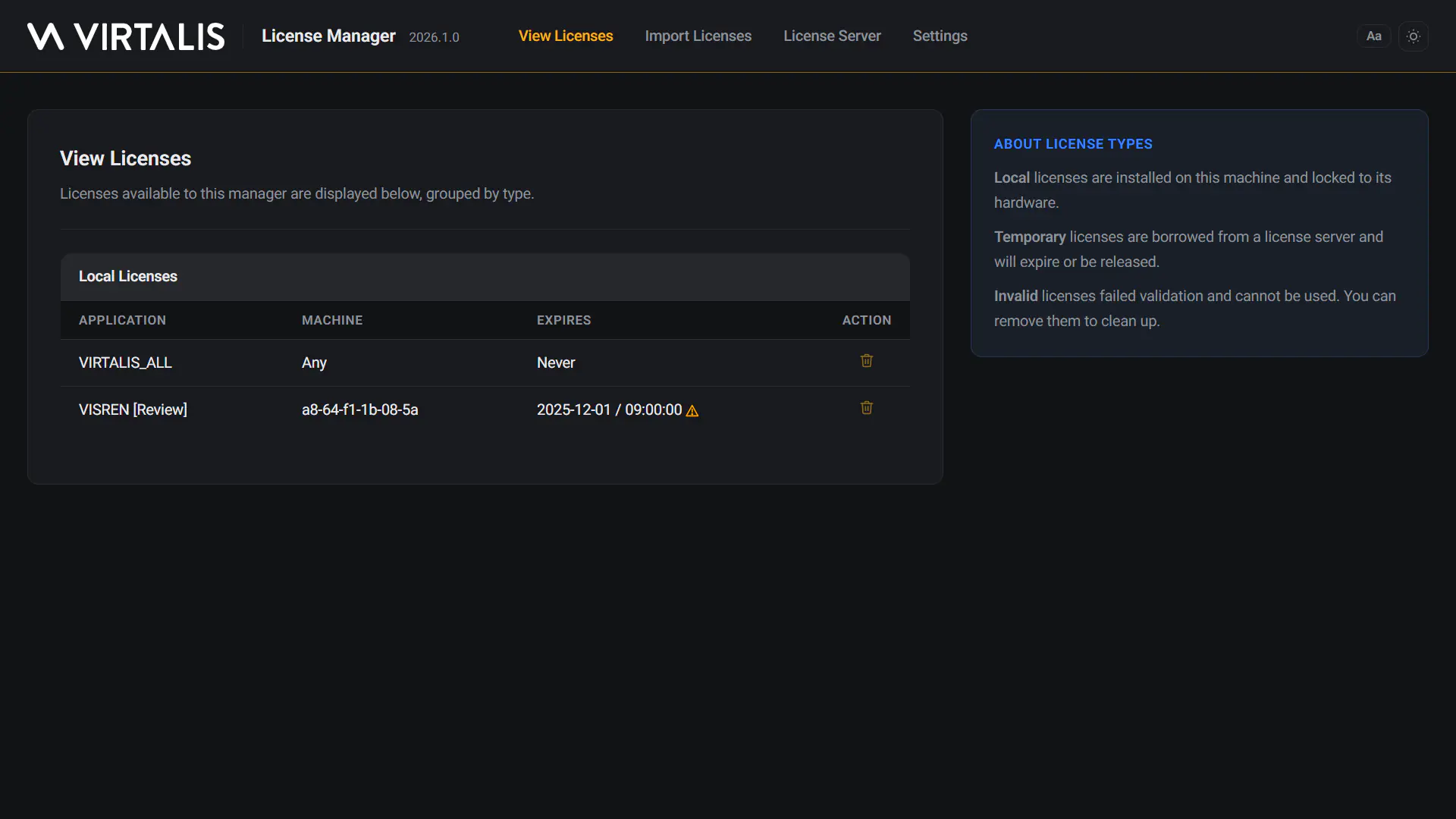
You should now see the below page in your default browser. From here, you can view a list of available licenses, import new ones, connect to a license server, or configure the license settings for this application.